
Competition in desktop 3D printing is brutal. Whereas before, firms competed through value engineering, Prusa clones now have an integrated hardware, sensor, and software setup that is making all the difference. The next step, of course, is letting everyone create. If all the models online were scalable or parametric, we could all make things that fit our lives more easily. If CAD were simple or if AI creation tools let people make some things, then it would expand the audience of people who can truly make what they want. We looked at AI CAD tools, before and now one of them, Meshy AI, is being integrated with FlashForge’s print software.
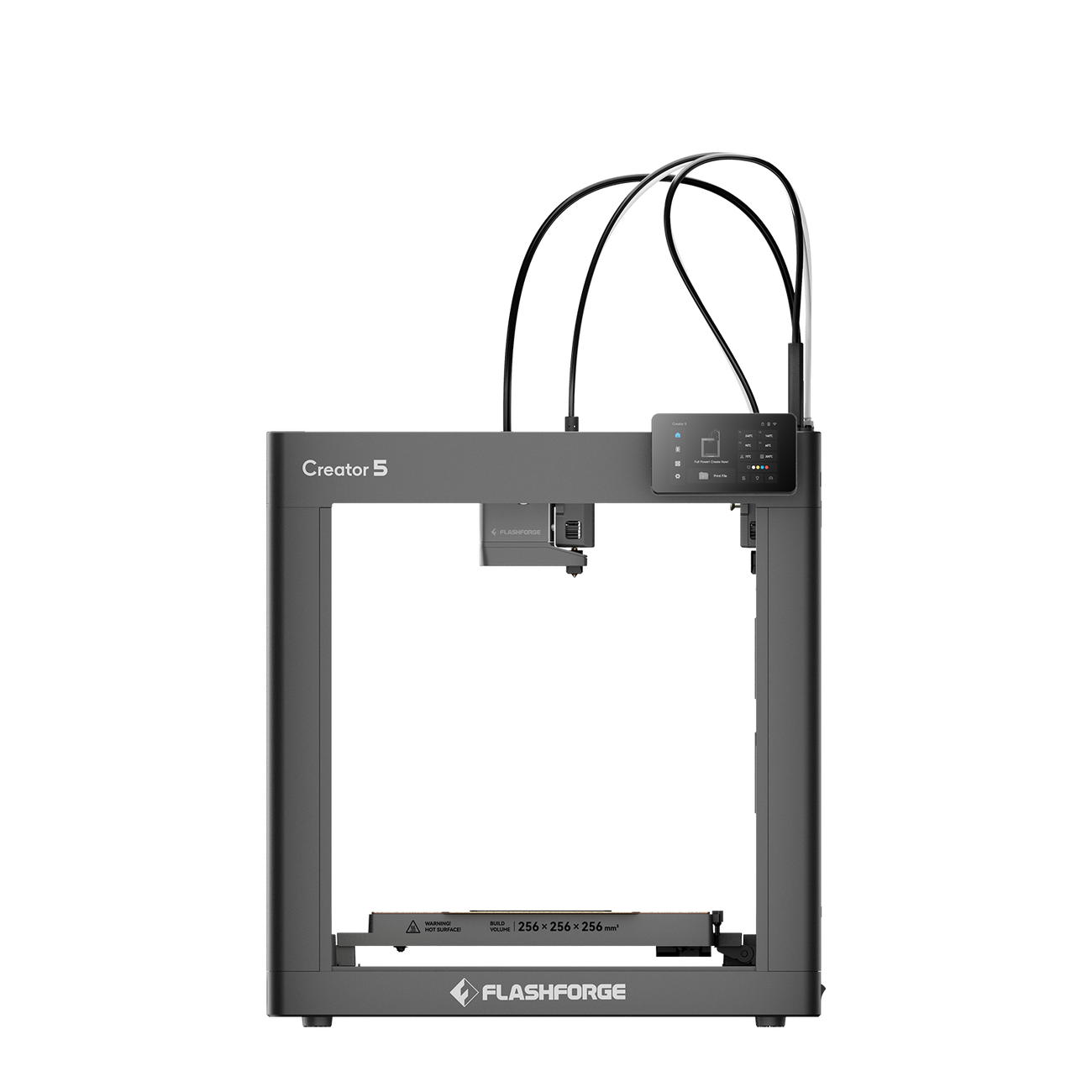
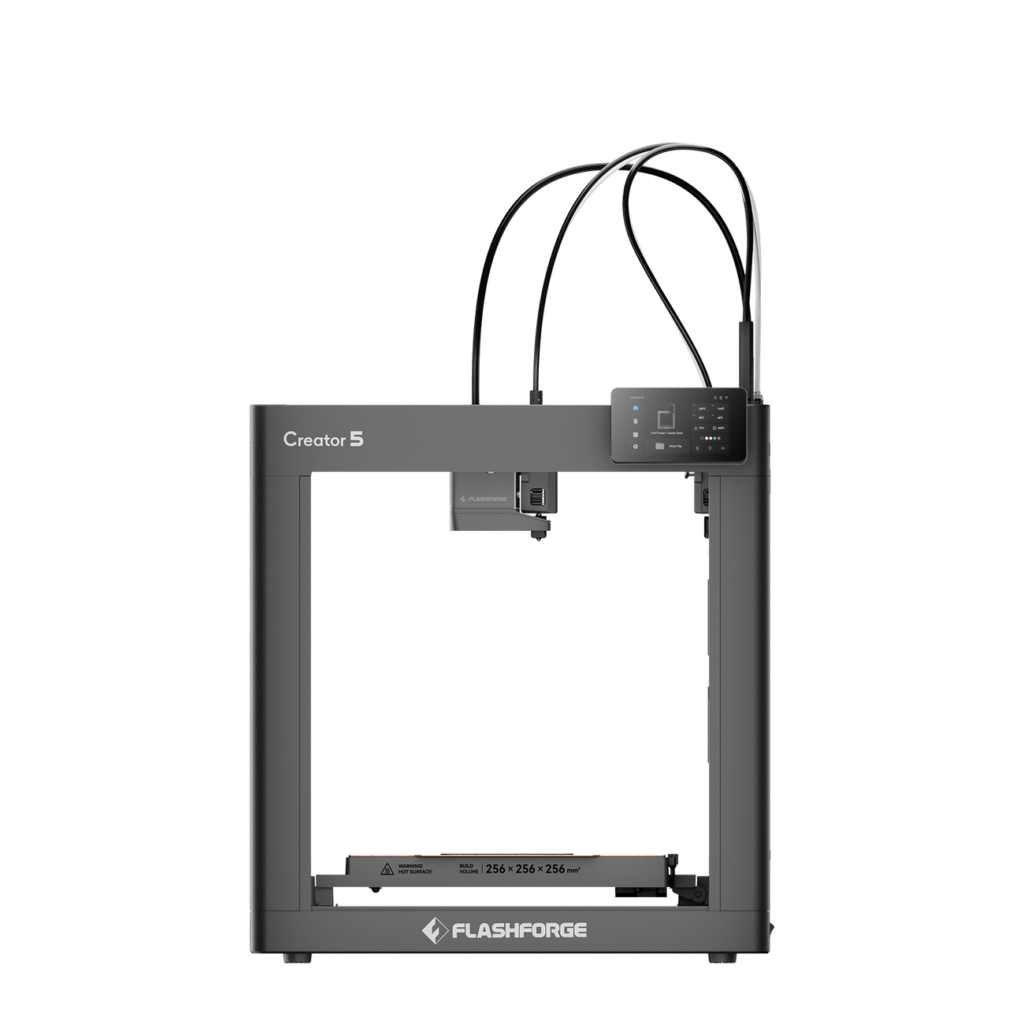
The FlashForge Creator 5. Image courtesy of FlashForge.
Flash Studio will now let you turn a file into a multi-color 3D print quite simply. The integration is for the Creator 5 printer. The Creator is a very important machine for FlashForge. Competitors like Bambu Lab, Snapmaker, Elegoo, and Creality have surged ahead while former mainstay FlashForge has lingered. The brand needs to make the leap to more software-centric machines that deliver on speed and reliability.
The quad-toolhead Creator starts at around $800 and is said to reduce purge waste during multi-color printing. FlashForge has also looked at optimizing the laminar airflow across the bed and air purification. Toolheads reportedly swap in 7 seconds, and the firm says the system can print color parts up to 4 times faster than comparable Bambu Lab systems. The CoreXY printer offers a 256 × 256 × 256 mm build volume, vibration compensation, automated bed leveling, and TPU support. The machine seems sensible. But in a crowded desktop space already filled with excellent printer options, we don’t know yet if that is good enough.
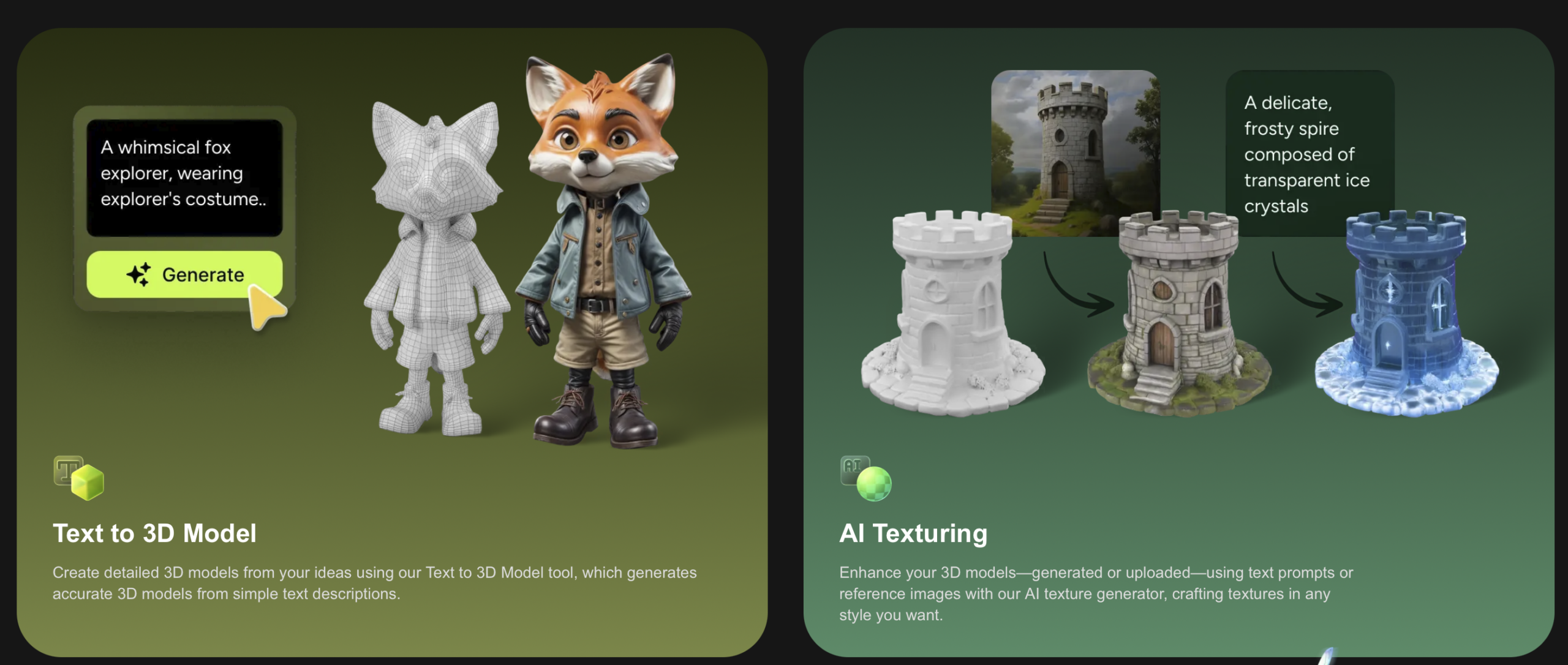
Meshy AI’s platform can generate printable 3D models and textures directly from text prompts. Image courtesy of Meshy AI.
The Meshy integration could give FlashForge an edge and make it easier to make things. The company promises true one-click conversions from AI files to prints. They say that they have “texture-to-filament color mapping works directly with the Creator 5’s four-head, zero-purge architecture, so what users see on screen maps to filament colors without manual assignment in the slicer.”
Manual color assignment is no longer needed. Slicer configuration is automatic as well. Overall, this should make it easier to print with color. A user can now also, in Flash Studio, describe an object, and an STL is generated, textures are mapped to filament colors, and the user can then print. Then the quad tool head Creator will print it. The company also thinks that these tools will give their prints a harder surface and smoother curves.
Software is moving to the fore in 3D printing. Formlabs has a closed system that makes printing easy and repeatable. This system is now being replicated by several of the largest desktop 3D printing vendors. Under threat is the open-source, open-architecture world of desktop material extrusion. Often, these firms do use tools like Klipper, Orca, and others, but the UI grafted onto them is very much a proprietary thing. Through server-based tools and operations, more is being done away from the user, centralized by the manufacturer. This is leading to difficulties as some firms are unable to compete in software. Other open-source firms are also having to work harder to keep up with slick interfaces. And specialized, smaller 3D printer builders will find it difficult to keep up with the latest technologies. Power is being concentrated in the hands of far fewer firms that sell millions of printers. FlashForge is now turning to an external party and AI to stay ahead of the curve. Will it work? We shall see as the competition on the desktop continues, now moving from machine control and tool pathing to authoring.